
Runway in practice · Biotech use case
Model CRO payment timing in TrialAgents Runway
A practical example: enter a study commitment, preview a delay and compare cash at the next milestone.
A first-party guide based on Runway 2.1.0. Fictional inputs and independently calculated reference results; screenshots show the genuine browser demo, not this scenario.
Use Plan to structure the commitment, Scenarios to test the change, and Cash flow to inspect the result. This example follows that workflow through TrialAgents Runway, with review before any live forecast changes.
Set up the study in Runway
A small sponsor wants to test a three-month delay to Program B. Open Runway through its native ChatGPT or Claude connection, or use the browser. The assistant can prepare inputs; you review them and the app calculates the result.
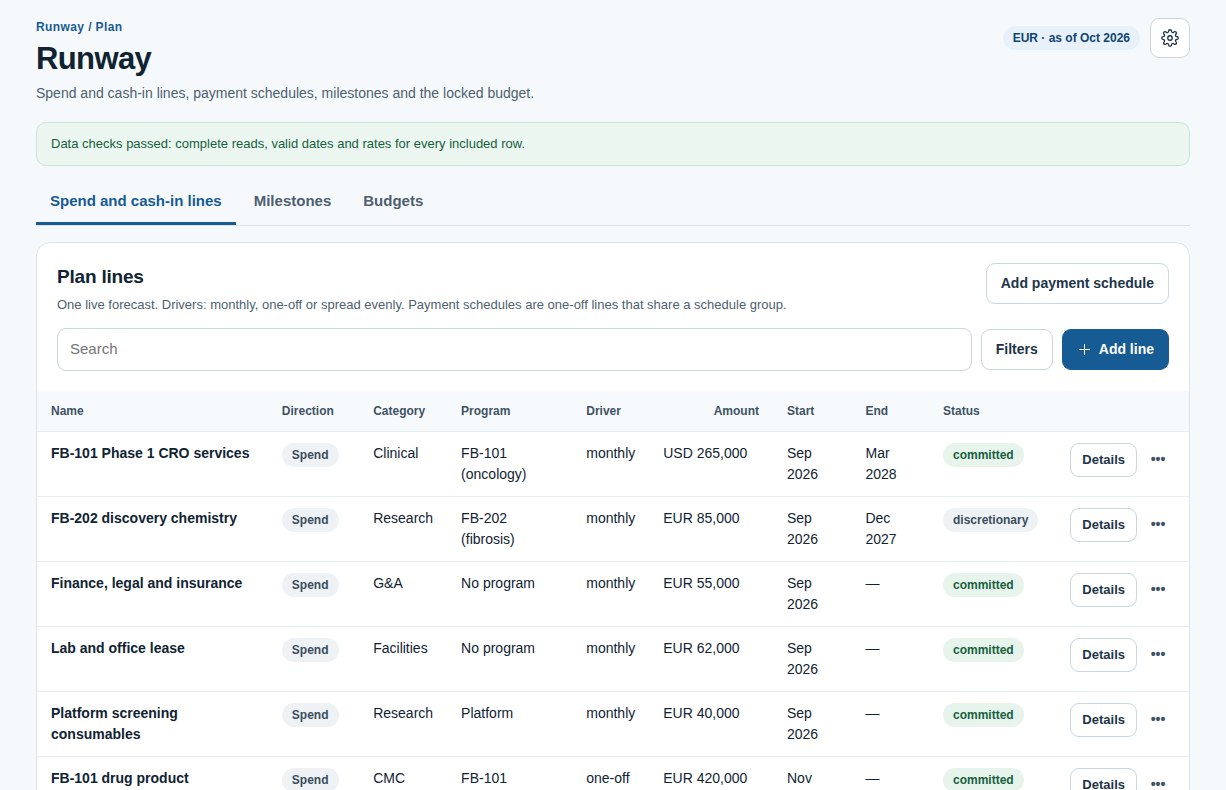
For this fictional exercise, use an empty, separate planning app. In Settings, enter €2.4m opening cash at 31 December 2026, EUR reporting currency and a zero reserve. Create Program B. In Plan, add:
| Record | Runway entry |
|---|---|
| Company operating spend | €200k monthly from January 2027 onward; no program. Includes all recurring costs in this simplified example. |
| CRO payment | €600k one-off, March 2027, spend, Clinical, committed, Program B. |
| Study milestone | Runway milestone: June 2027, Program B. |
| Other inputs | No financing, separate positions, FX changes or other spend. |
Prepare these inputs in a separate Runway app for review. Keep company operating spend outside Program B. Show me the proposed records before saving; do not write calculated forecasts.
Preview the delay without changing the baseline
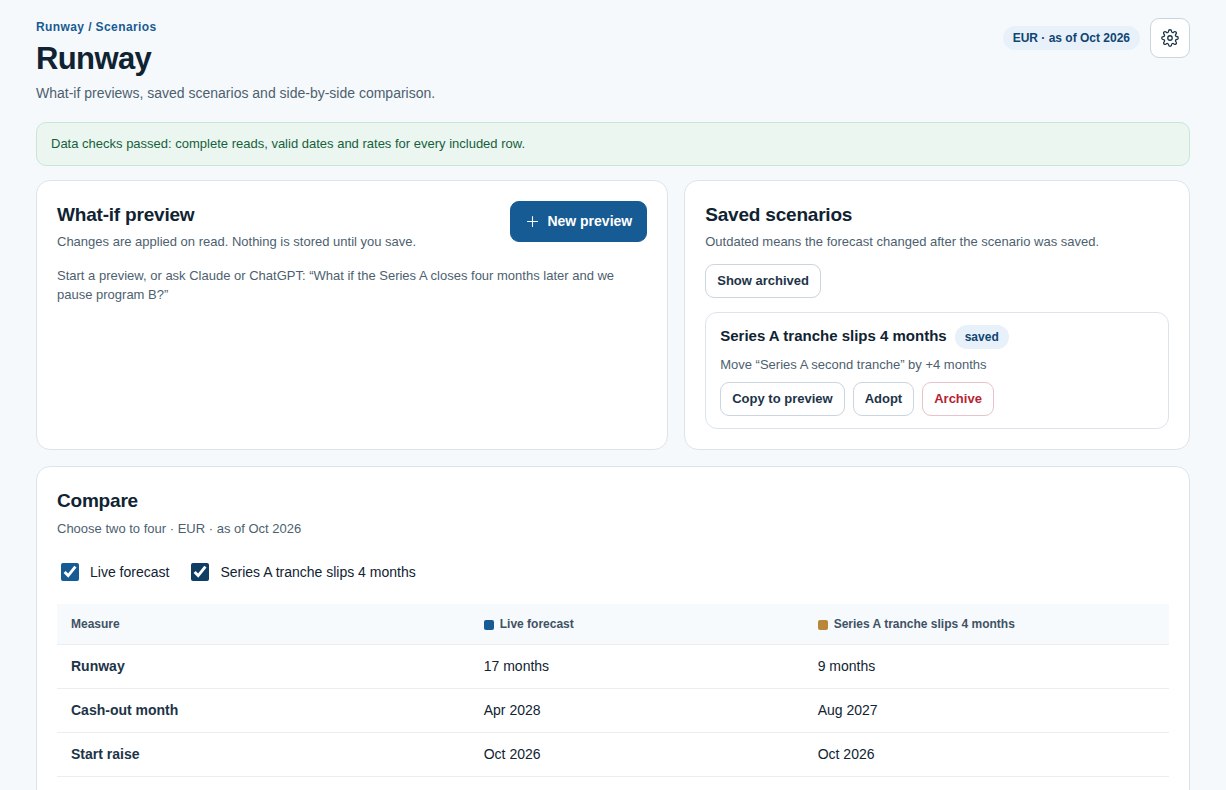
Open Scenarios. Add Shift a program, choose Program B and enter +3 months. The CRO payment moves from March to June; the Runway milestone moves from June to September.
This action also shifts other lines and positions assigned to that program. Our example deliberately has only one program-linked spend line and no positions. For a real study, inspect every affected record. A single invoice deferral is not the same as shifting a whole program.
Build a second preview with the same shift plus Scale program spend: +50% for Program B. Here that changes the sole €600k payment to €900k. It is an illustrative cost-overrun stress test, not a forecast that delays generally cost 50% more.
Read the result in Cash flow and Overview
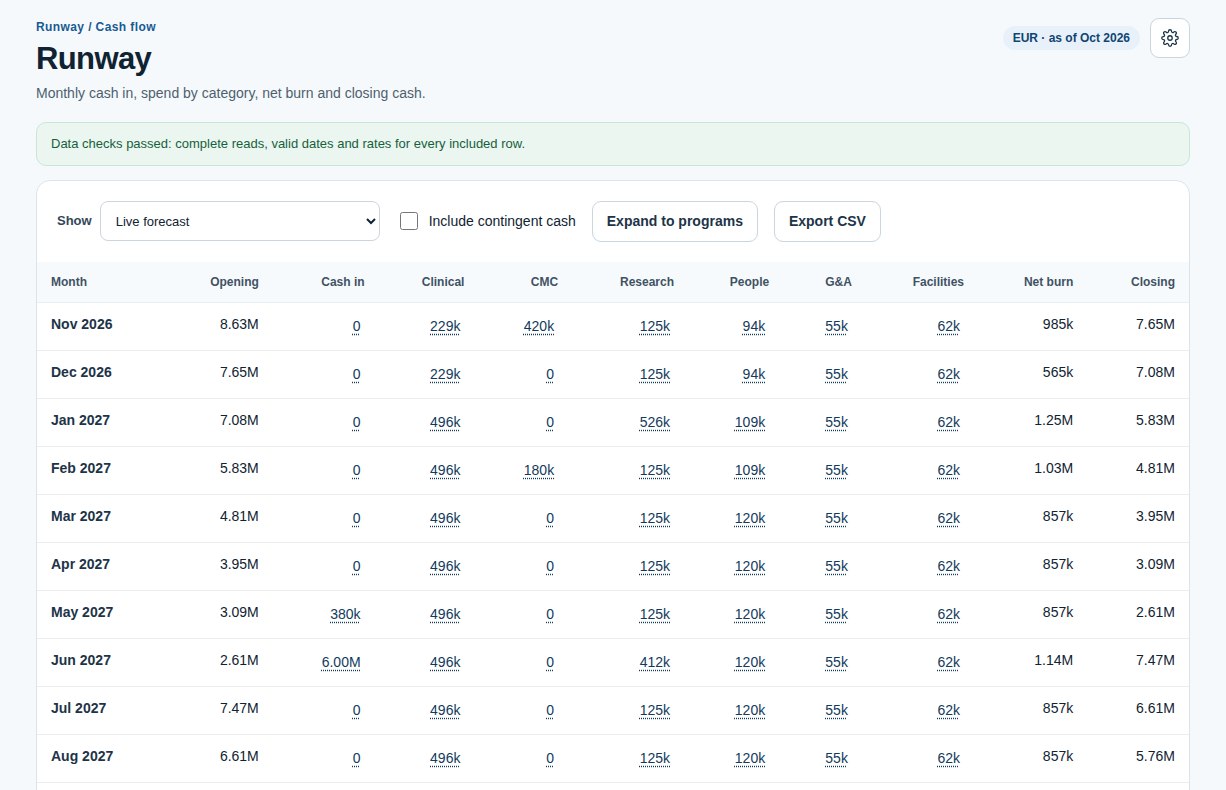
In Cash flow, select the preview or saved scenario to inspect monthly closing cash and drill into the lines behind a changed month. In Overview, check the forecast and cash at the relevant milestone. Compare these independently calculated reference values:
| Measure | Baseline | Delay only | Delay + cost |
|---|---|---|---|
| March closing cash | 1.20 | 1.80 | 1.80 |
| June closing cash | 0.60 | 0.60 | 0.30 |
| August closing cash | 0.20 | 0.20 | −0.10 |
| September closing cash | 0.00 | 0.00 | −0.30 |
| Milestone / cash in that month | June / 0.60 | September / 0.00 | September / −0.30 |
| First negative month | October | October | August |
The decision: the delay-only case improves March cash but leaves no month-end cash at the revised September milestone. The cost-overrun case runs short in August. A later payment does not necessarily buy enough time to reach the delayed milestone.
Formula: €2.4m minus cumulative €200k monthly outflows minus the CRO payment. Runway defines cash-out as the first month below zero; September’s zero balance is not a usable reserve. Check exact payment days separately when liquidity is tight.
Save the case, then review before adoption
A preview stores nothing. Save a scenario when you want to keep it; saving the scenario and its changes requires two reviews. Adoption is a separate step that changes the live forecast.
- Clinical operations: confirm the revised milestone and the activities that actually move.
- Finance: confirm the payment schedule and added costs against the agreement, then reconcile the forecast.
- Leadership: decide which actions or funding assumptions close the gap before adopting the plan.
A payment date and an expense period can differ, as illustrated in Clene’s clinical-accrual policy. Changing a forecast does not change a contract or approve late payment.
Make this workflow fit your biotech
Operate it through ChatGPT or Claude. Work with the app in supported chat surfaces, ask for input proposals and continue in the browser. See the ChatGPT workflow guide for concrete prompts.
Customize the whole app. Ask the assistant to put cash at the next milestone first, add a tailored commitments view, or build a bespoke app. TrialAgents offers unlimited customization possibilities within platform capabilities and permissions.
Connect the wider platform. Add Programs and explicitly connect authorized milestone data. Programs-owned milestones are read-only in Runway; review their source dates separately rather than assuming a scenario edits them.
Keep the review repeatable. Use access controls, logs, monthly actuals and frozen snapshots; configure optional alerts after a close. Runway handles monthly planning, not bookkeeping or native bank synchronization.
Start with your next study decision
Bring one reviewed CRO commitment and one milestone into Runway. Compare the baseline, delay and cost-overrun case before choosing a plan.
Starting from a spreadsheet? Follow the Excel-to-Runway setup guide.
See what a study delay does to your cash.
Use Runway in your AI conversation. Customize the app. Connect your programs.
Start with Runway →