
Small biotech operations · Series D
Budgeting software for biotechs under 20 employees: count each cost once
A small team needs a budget it can maintain. Start with named input owners, separate people from vendor spend, and reconcile the total before locking it.
First-party editorial: we make TrialAgents Runway. The 12-person example below is fictional and independently calculated, not a completed app or assistant test. Browser screenshots show separate fictional demo data.
Choose a maintainable budget, not a headcount label
For a biotech with fewer than 20 employees, the useful software test is whether a small group can keep one complete cash plan current. Employee count alone does not establish the best product. A 12-person research team still needs to distinguish internal salaries, recurring lab operations and outsourced work packages.
TrialAgents Runway supports that process through authorized ChatGPT and Claude connections, with the app interface where the host supports it and continuation in the browser. Customize views or the whole app to suit the team; connect additional apps through explicit shared-data bindings; then apply reviewed writes and access controls. Available actions and in-chat rendering depend on the host and permissions.
For this example, finance owns the opening balance and salary assumptions, the lab lead owns non-payroll lab costs and the research lead owns the outsourced assay payment. The COO reviews the combined plan. These are suggested team responsibilities, not a built-in departmental approval workflow.
The SBA's startup-cost guidance separates recurring monthly expenses from one-time costs. Apply that basic distinction to the actual payment schedule, then add a biotech-specific check: does a program budget already include employee costs that will also appear in People?
Give salary costs one home
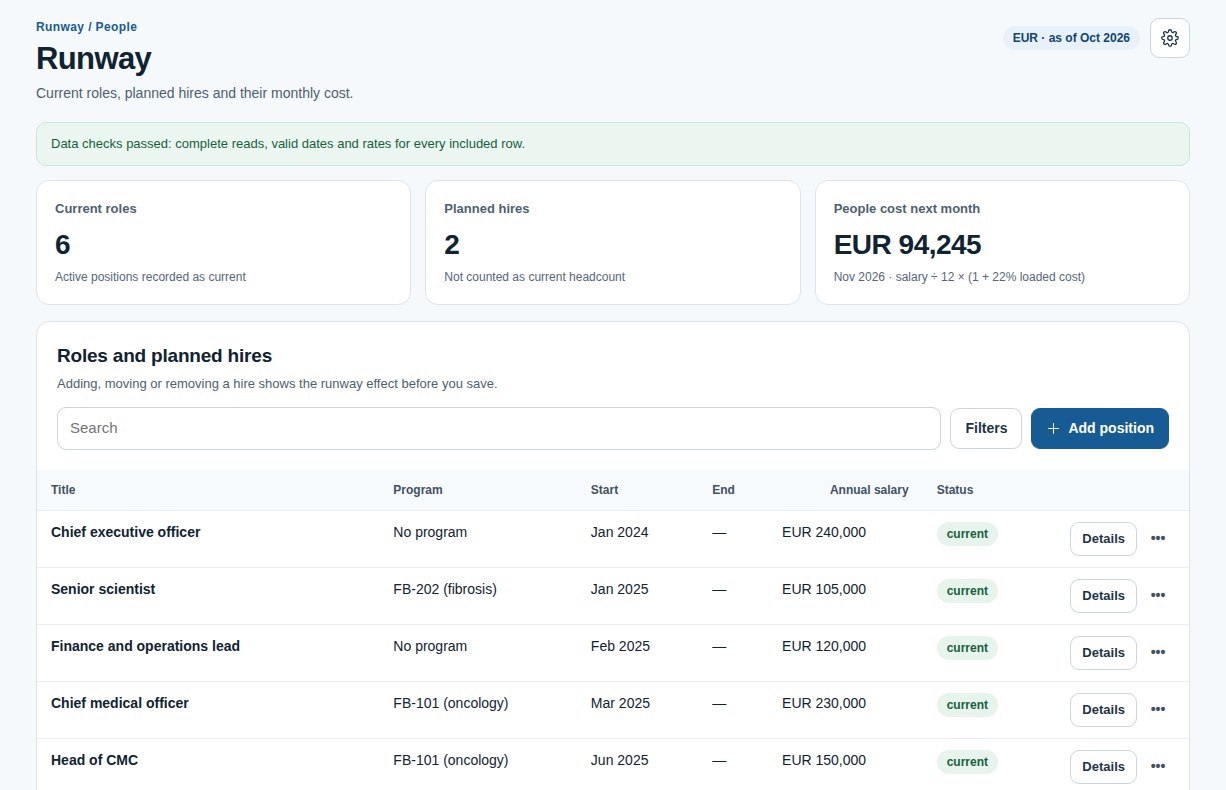
Use a separate authorized demo app. In Settings, set opening cash to EUR 1.8 million at 31 December 2026, reporting currency to EUR and loaded-cost percentage to 20%. In People, enter 12 current roles, each with annual salary EUR 75,000, active from January 2027 and continuing through the six months being reviewed.
The equal salaries and 20% uplift simplify this fictional exercise. They are not compensation benchmarks or a statutory employer-cost rate. In a real budget, finance must validate which costs the uplift includes and whether a uniform percentage fits. Runway's standard calculation is annual salary ÷ 12 × (1 + loaded-cost percentage); it does not run payroll.
For one role: EUR 75,000 ÷ 12 × 1.20 = EUR 7,500 per month. Across 12 roles, that is EUR 90,000 monthly, or EUR 540,000 over January–June. Enter individual authorized role records; do not assume a single row with a headcount multiplier exists.
Read my authorized Runway People records and Plan lines. Show which salary costs are represented in People and flag any Plan line that may include the same costs. Keep uncertain overlaps unresolved. Prepare a reviewed input proposal without deleting existing records or inventing missing amounts. Do not change calculated outputs.
Make the non-payroll boundary explicit
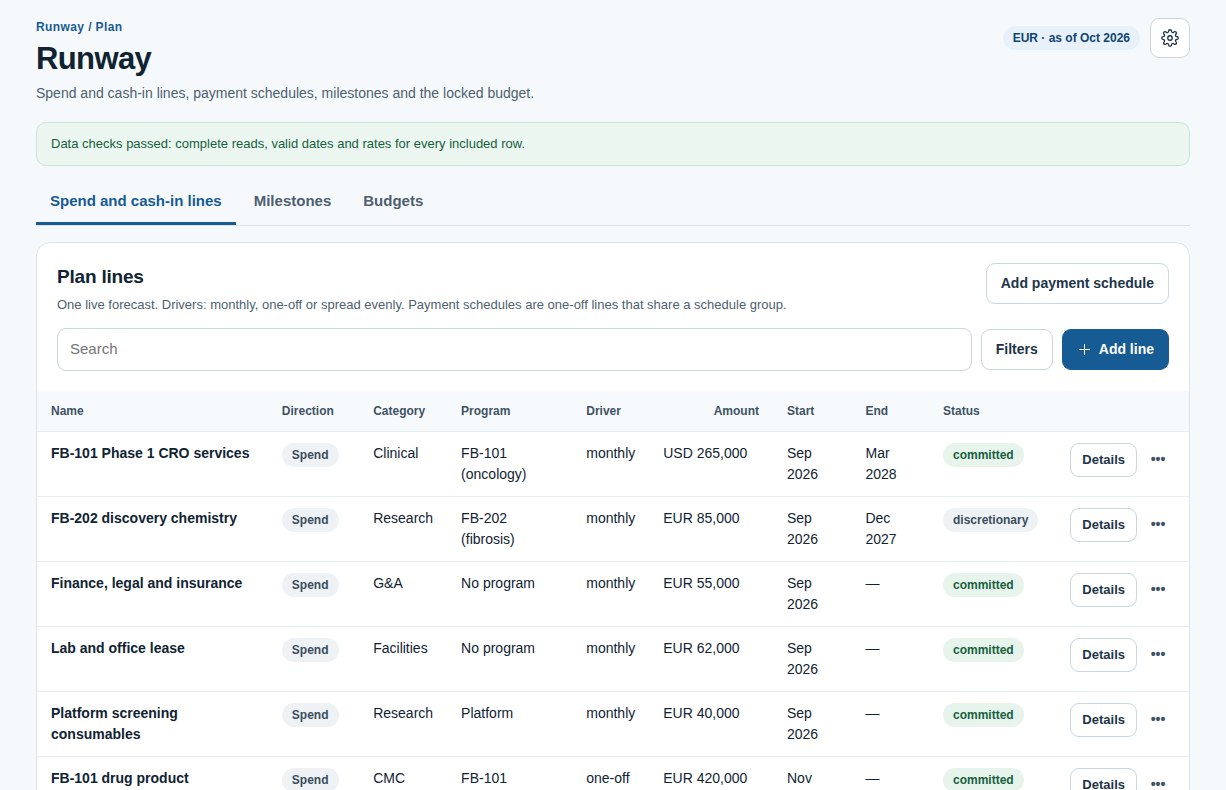
In Plan, add EUR 45,000 monthly for lab operations in Research and EUR 15,000 monthly for G&A, both starting in January and continuing through June. Add a separate one-off EUR 180,000 Research payment in April for an outsourced assay package. Assign the relevant program where appropriate and explain the included costs in each line's notes.
Both recurring Plan lines explicitly exclude all employee salary and loaded costs. The assay payment also excludes the team's internal labor. There are no other costs, receipts, financing, taxes, debt or FX in this exercise. These are illustrative inputs, not typical biotech operating costs. A real plan must account for its own omitted items.
| Cost | Input location | Six-month cash spend |
|---|---|---|
| 12 roles, including uplift | People | 540 |
| Non-payroll lab operations | Plan · monthly | 270 |
| Non-payroll G&A | Plan · monthly | 90 |
| April assay package | Plan · one-off | 180 |
| Total | People + Plan | 1,080 |
Recurring spend is EUR 90,000 + EUR 45,000 + EUR 15,000 = EUR 150,000 per month. April includes the assay payment, so that month's spend is EUR 330,000. Independently calculated June closing cash is EUR 1.8m − six × EUR 150,000 − EUR 180,000 = EUR 720,000.
Adding another EUR 90,000 monthly “payroll” Plan line would count the same people twice. Over six months, the duplicate would add EUR 540,000 of false spend. Resolve overlapping source budgets before relying on a runway figure; do not merely hide a duplicate row from a view.
Lock only after the owners can explain the total
Reopen the saved inputs and inspect Cash flow for the same months, currency and forecast source. Confirm the 12 role records, the two recurring non-payroll lines and the April payment appear once. If inputs or rates are missing, or reads are incomplete, withhold the exact total. The six-month excerpt above is not a complete annual budget or cash-out forecast.
Once the full plan is reviewed, use Plan → Budgets → Lock as budget to preserve the baseline. Revisit changed assumptions with their owners and use Actuals for the monthly close; keep the locked budget distinct from the live forecast. The monthly cash-variance example shows how to explain a difference without rewriting history.
Keep salary visibility deliberate. Standard Runway uses app-level access, not separate permissions for every tab. Database salary-column restrictions can limit access, but then live people costs and runway may show as restricted; approved snapshot outputs have different visibility. Do not promise a live aggregate while silently bypassing a salary restriction.
A spreadsheet can remain appropriate for bespoke formulas with a clear owner. Runway offers a reusable monthly planning workflow, while bookkeeping and payroll remain outside its standard scope. For a software comparison, use the cash runway shortlist. The decision here is simpler: can each owner explain their inputs, and can finance show that every cost enters the budget once?
Start with Runway
Bring your role costs, non-payroll commitments and opening cash. Build a budget your small team can reconcile and maintain.
Start with Runway →